Now in Public Beta

Design Cities.
Shape Futures.

Turn weeks of site research, 3D modeling, and rendering into hours. One platform, zero context-switching, no consultants required.

Built for Professionals
Architects Urban Planners Students & Universities Landscape Designers City Developers

From Satellite to Storyboard

Watch the complete workflow — analyze a site, design in 3D, render with AI, and export a presentation.

Understand any site in minutes, not weeks

10 analysis groups running on a hybrid map engine. Satellite imagery, building atlas, POI detection, environmental data, and custom drawing tools with snap-to-boundary precision.

  • Country, region, and city-scale context layers
  • Custom analysis groups with inline text editing
  • Satellite overlays with Google and Mapbox engines
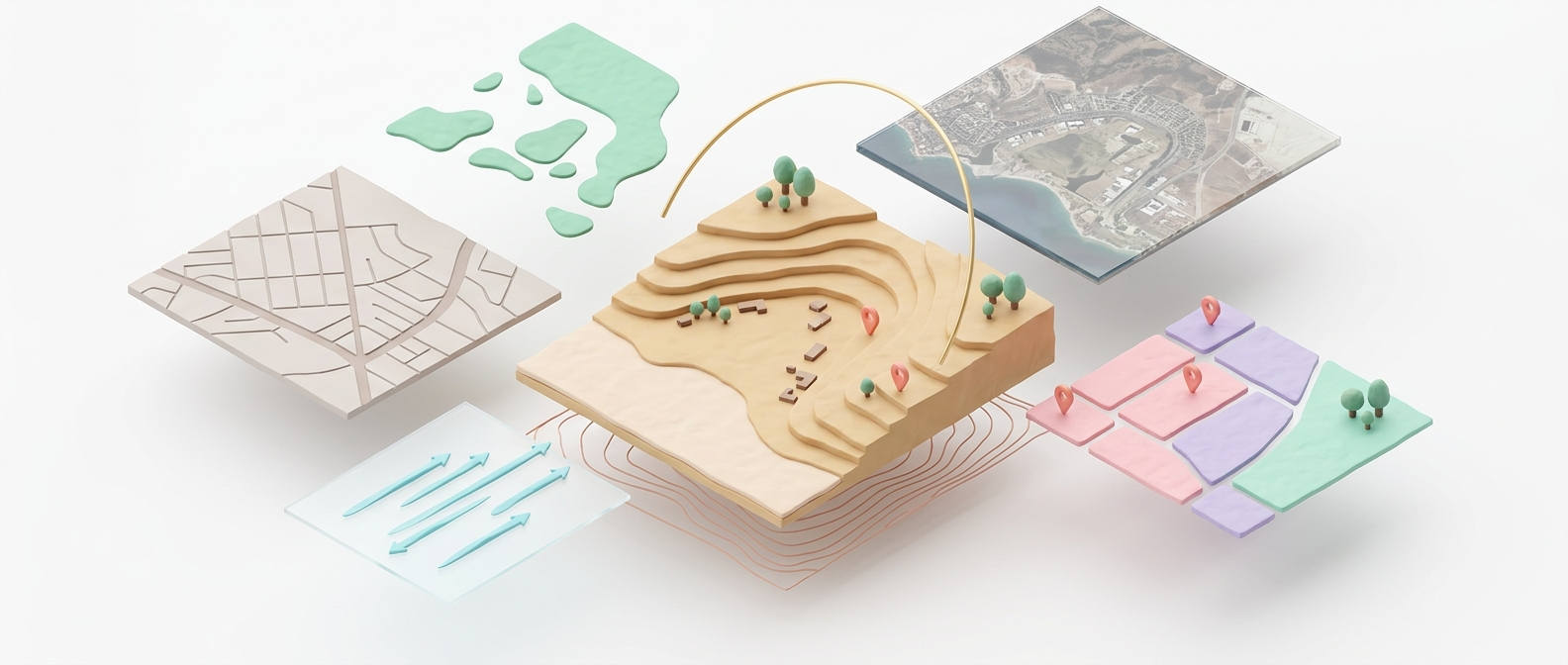
Site Analysis interface showing map layers and analysis tools

21 instruments. One construction plane.

Build 3D urban models with parametric towers, custom facades, green networks, water features, and intelligent site grading. Every object snaps to a real-world coordinate grid.

  • Parametric towers with curve-driven facades
  • Paths, arrays, grading, and green networks
  • Real-time area and density calculations
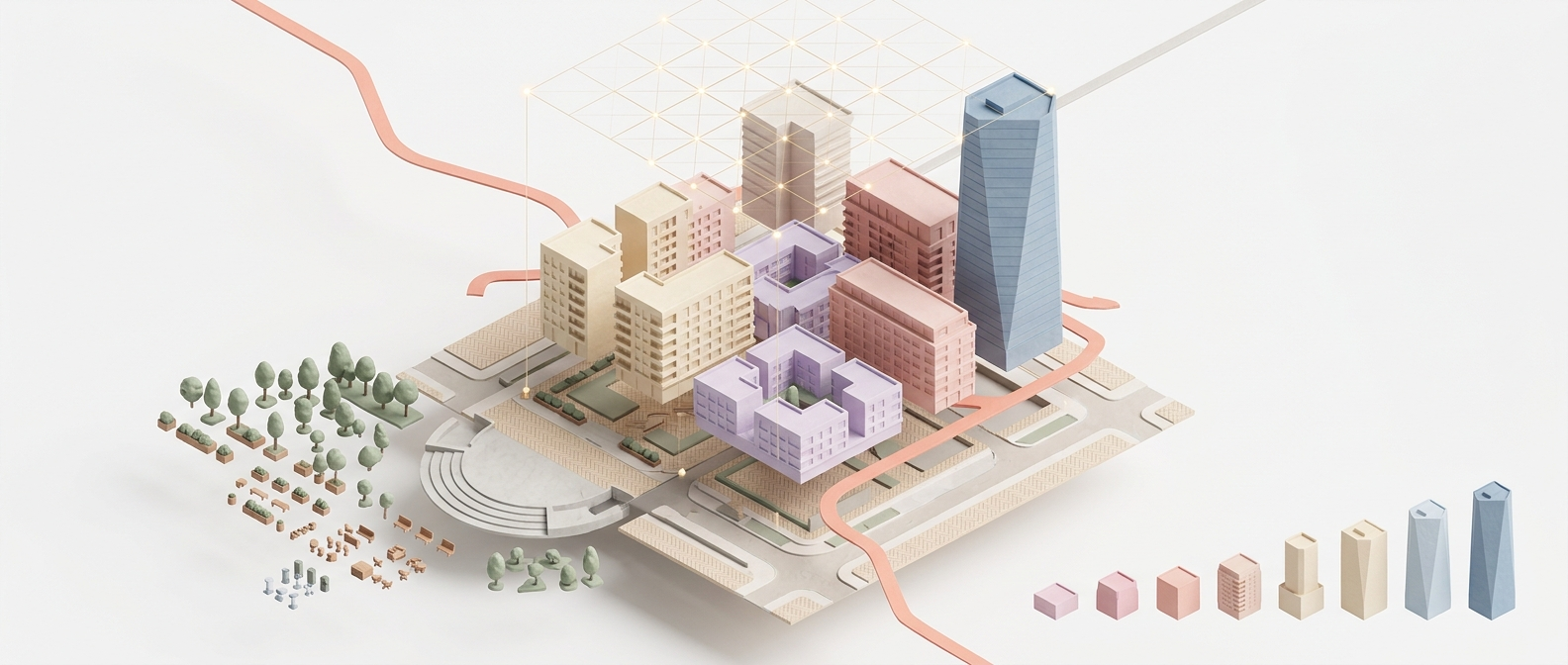
3D parametric design interface with towers and urban layout

From 3D massing to photorealistic render. Instantly.

Transform your design scenes into photorealistic visualizations using Gemini AI. Multiple styles, model presets, and geo-anchored map overlays for context-sensitive rendering.

  • Multiple AI models and style presets
  • Geo-anchored renders that sit on the real site
  • Node-based render pipeline for advanced control
AI rendering interface showing style options and generated visualization

One-click presentations. Zero PowerPoint.

Auto-generate professional slide decks from your analysis and renders. Storyboard planning with batch render processing. Export to PPTX and share with stakeholders in minutes.

  • Automated PPTX generation from project data
  • Storyboard editor with custom render settings
  • Batch processing for multiple viewpoints
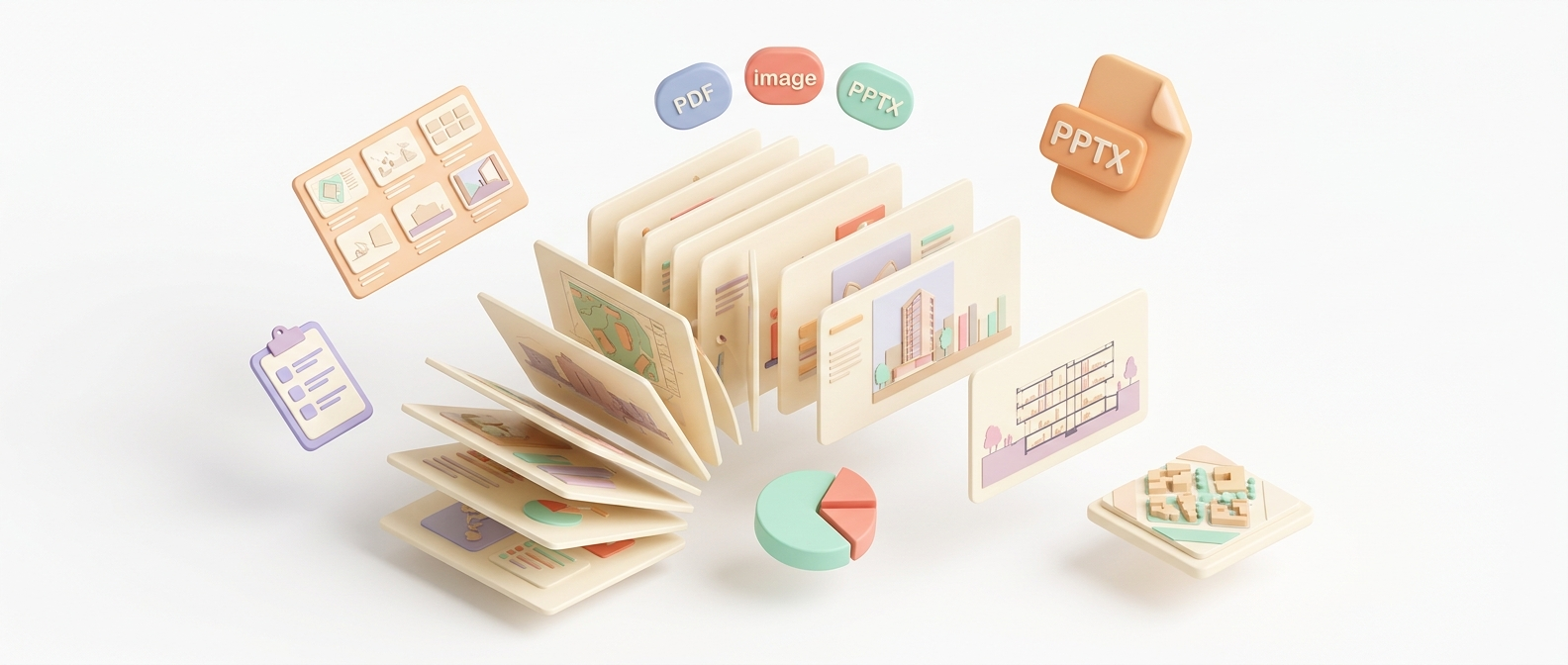
Presentation export interface with generated slides

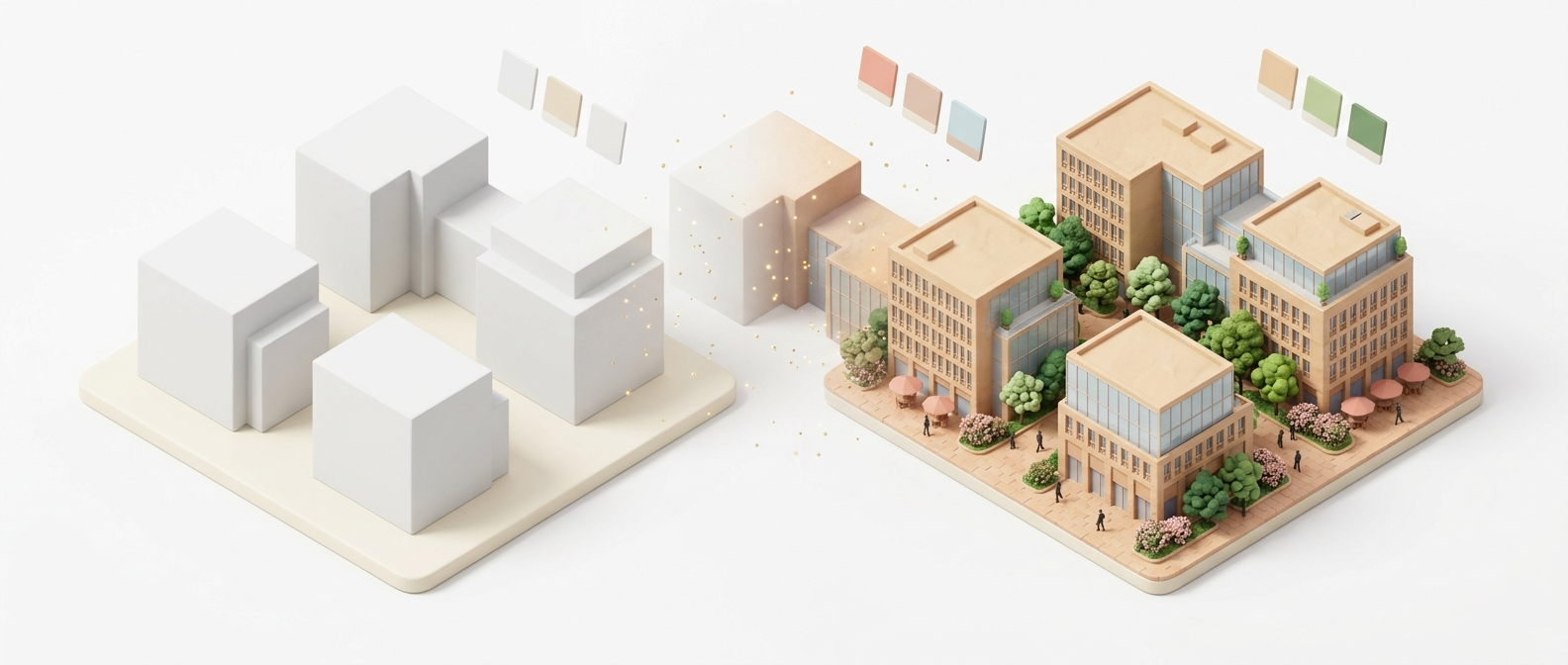
From 3D Massing to AI Render

See what happens when your parametric model meets the AI visualization engine.

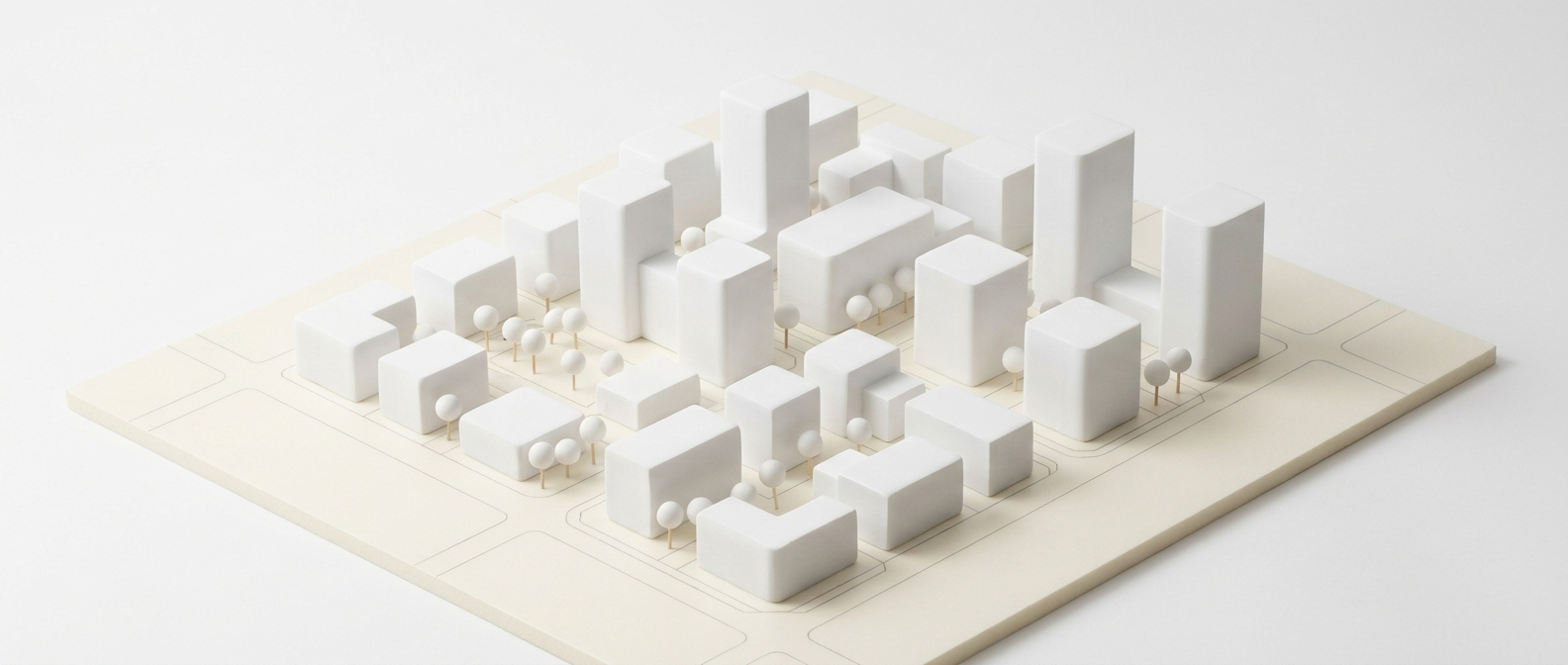
3D massing model before AI rendering
3D Parametric Massing
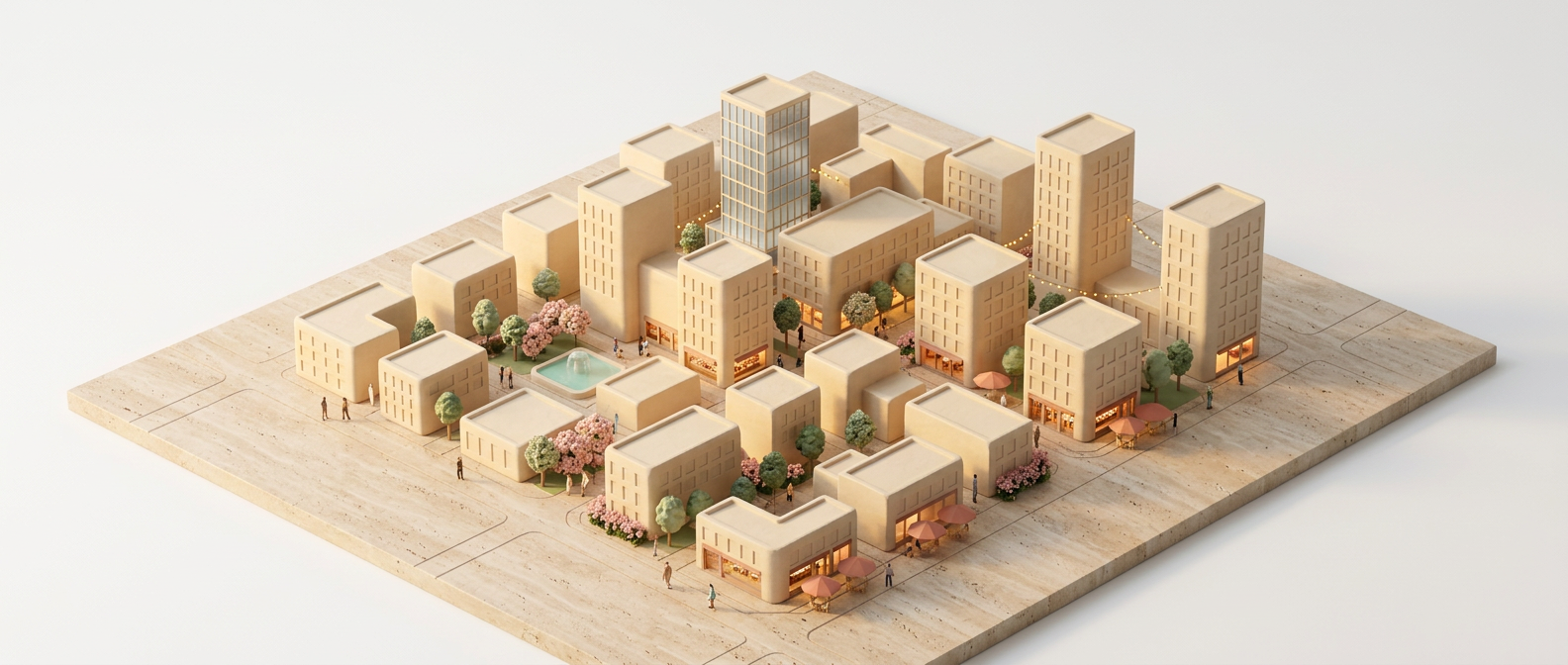
Photorealistic AI render result
AI Visualization Output

21+

Design Instruments

So you never leave the platform

10

Analysis Groups

From satellite to environmental data

5

AI Models

Vision, rendering, and generation

1-Click

PPTX Export

Professional deliverables, instantly

Analysis to Presentation

A complete design pipeline. One unified platform.

1

Analyze

Import site data, draw boundaries, run AI analysis across 10 groups — satellite imagery to POI detection.

2

Program

Define your space program, generate land use visualizations, validate development density and building ratios.

3

Design

Build 3D urban models with parametric towers, green networks, paths, water features, and site grading.

4

Present

Render with AI, create storyboards, and export professional PPTX presentations in one click.

Start Free. Scale When Ready.

No contracts. No surprises. Cancel anytime.

Free
$0/mo
No AI credits
  • Program + Visualizer
  • Land Use Analysis
  • 2 cloud workspaces
  • Basic export
Start Building
Starter
$19/mo
100 AI credits/month
  • Site Analysis (5 groups)
  • Design (5 instruments)
  • Presentation + KISAL
  • 10 cloud workspaces
Start Trial
Enterprise
$99/mo
2000 AI credits/month
  • Everything unlimited
  • 50 GB storage
  • Priority support
  • Bulk credit discount
Contact Us
Pro plan costs less than $1.30/day — less than your morning coffee.

Frequently Asked

Nothing. DavUDT runs in your browser. Sign up for free, pick a site anywhere on the map, and start designing. No downloads, no installations, no credit card.

Each AI action (rendering a scene, extracting program data from an image, generating a narrative) consumes credits. Different actions use different amounts. Your dashboard shows real-time credit usage and remaining balance.

Yes. Export presentations as PPTX, render outputs as high-resolution images, and project data as JSON. We're also actively developing a dedicated plugin for direct export to Revit, SketchUp, Rhino, Maya, and 3ds Max — coming in upcoming releases. The platform is designed to complement your existing workflow, not replace it.

Absolutely. All data is encrypted in transit (HTTPS/TLS) and at rest. We enforce strict Content Security Policies, HSTS headers, and JWT-based authentication with token blacklisting. Your work stays yours.

No. DavUDT runs in the browser and AI rendering happens on our servers. Any modern laptop with a decent internet connection is enough. No GPU required on your end.

Yes. We offer academic partnerships with classroom-ready tools and special pricing for university programs. Learn more about our education program.

Stop switching between AutoCAD, Google Earth, Photoshop, and PowerPoint.

Start in one place. Analyze, design, render, and present — without leaving your browser.

Start Building — It's Free